
1
Setup X Developer Portal
- Create a X Developer account.
- Navigate to the Developer Portal and create a new application.
- Obtain a Client ID and Client Secret from the X OAuth settings. Be sure to set the redirect URL to your application handling the Nile Auth requests.
2
Save Client ID and Client Secret in Nile
Save the Client ID and Client Secret to your database at 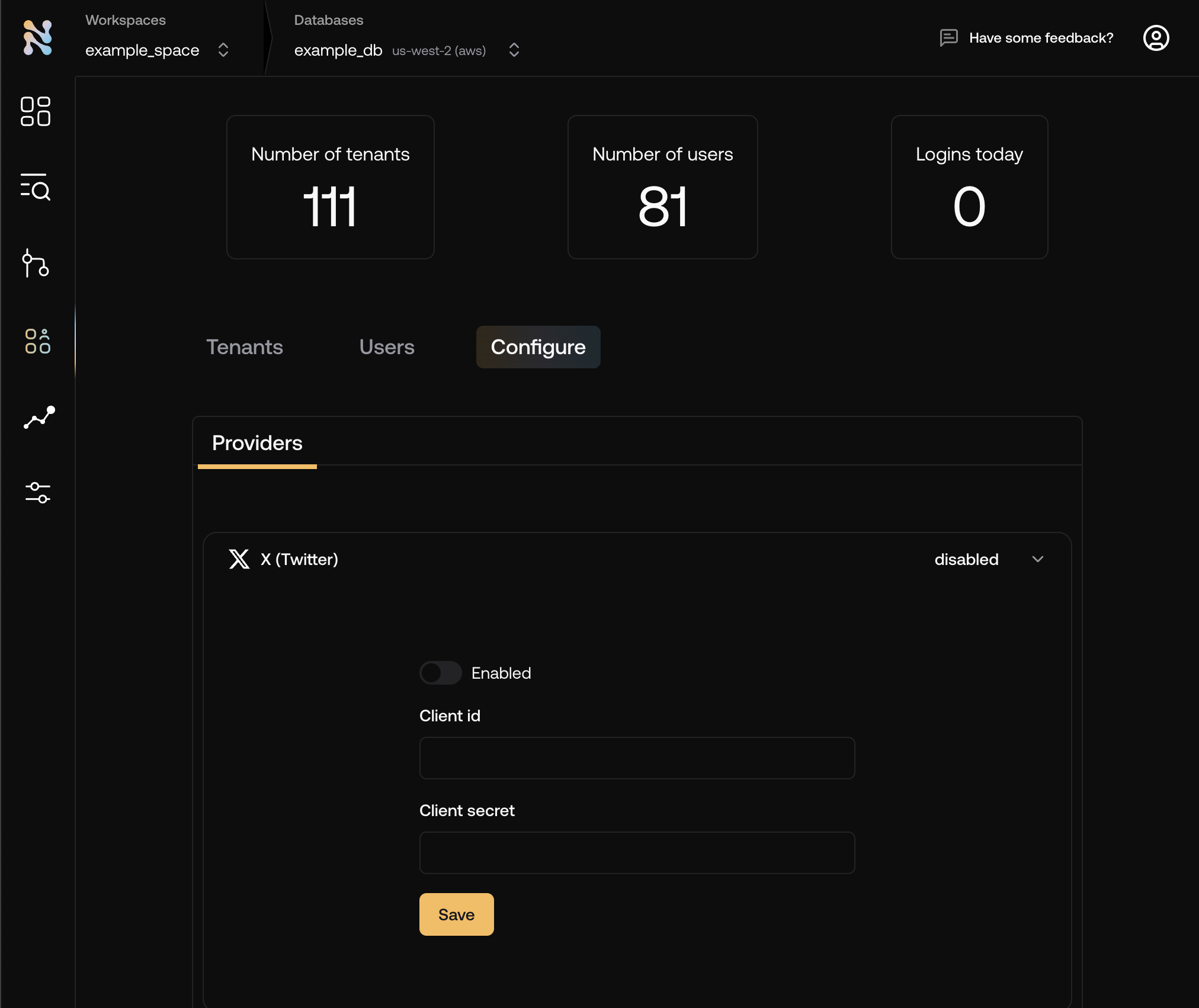
console.thenile.dev under X in Tenants & Users -> Configuration\3
Add the X button to your login page
The button will redirect the user to X for authentication. Upon successful authentication, the user will be redirected back to your application.