> ## Documentation Index
> Fetch the complete documentation index at: https://thenile.dev/docs/llms.txt
> Use this file to discover all available pages before exploring further.
# Explore Nile in 5 minutes with PSQL
Learn about Nile's tenant aware tables and how they provide tenant isolation through virtual tenant databases.
1. Sign up for an invite to [Nile](https://thenile.dev) if you don't have one already
2. You should see a welcome message. Click on "Lets get started"
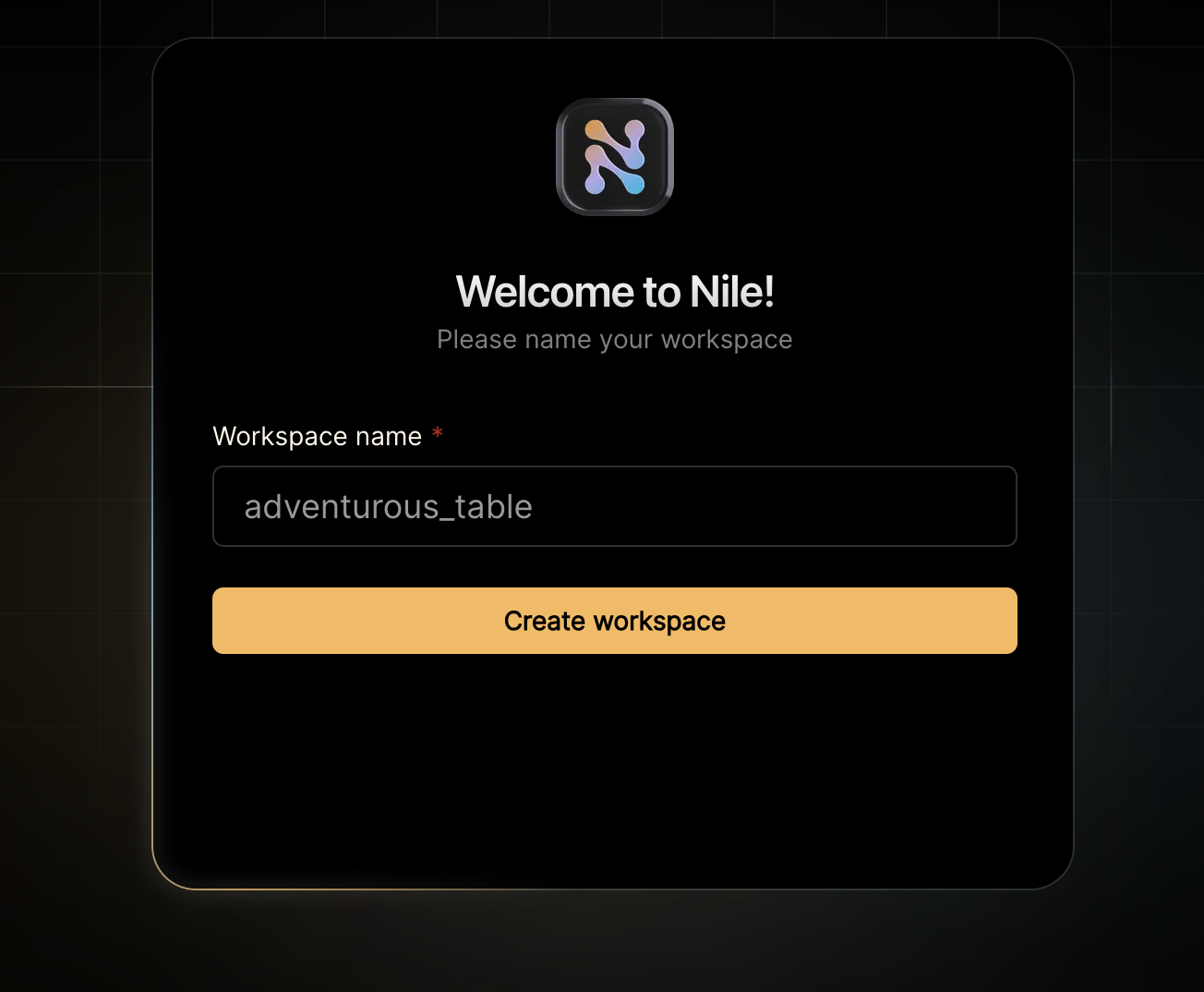
3. Give your workspace and database names, or you can accept the default auto-generated names. In order to complete this quickstart in a browser, make sure you select to "Use Token in Browser".
Lets imagine that we are building a todo list app that maintains task for each tenant/customer and also uses AI to predict the time required to complete the task.
Let us create our first table that has a tenant\_id column and a vector:
```sql theme={null}
CREATE TABLE IF NOT EXISTS "todos" (
"id" uuid DEFAULT gen_random_uuid(),
"tenant_id" uuid,
"title" varchar(256),
"estimate" varchar(256),
"embedding" vector(3),
"complete" boolean,
CONSTRAINT todos_pkey PRIMARY KEY("tenant_id","id")
);
```
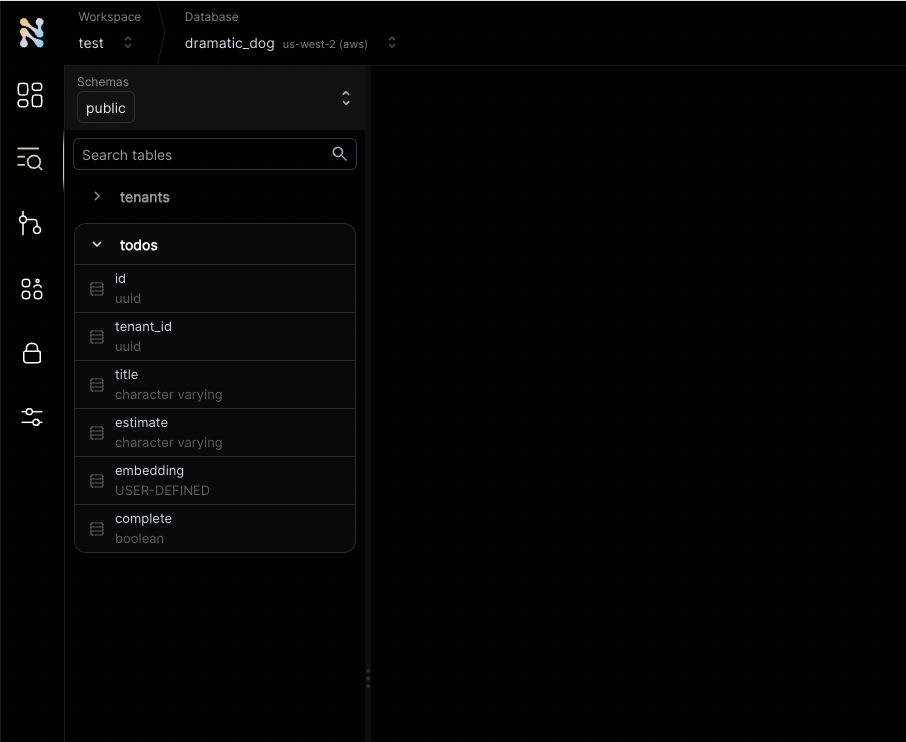
You will see the new table in the panel on the left side of the screen, and you can expand it to view the columns. If you are in `psql`, you can do `\d todos` in order to view the schema.
See the `tenant_id` column? By specifying this column, You are making the table **tenant aware**. The rows in it will belong to specific tenants. If you leave it out, the table is considered shared, more on this later.
Nile ships with built-in tables, like `tenants` table that you used earlier. They are covered in more depth in our concepts documentation.
Meanwhile, lets insert a tenant into the built-in tenant table:
```sql theme={null}
-- Creating the first tenant
insert into tenants (id, name) values ('d24419bf-6122-4879-afa5-1d9c1b051d72', 'my first customer');
select * from tenants;
```
Now, with the new tenant created, lets insert a record to the "todos" table. For the first task, we simply retrieve the embedding and the estimate from the large language model using the title of the task.
Let us assume we got the embedding and the estimate from the model as \[1,2,3] and 1h
```sql theme={null}
-- adding a todo item for this tenant.
insert into todos (tenant_id, title, estimate, embedding, complete) values ('d24419bf-6122-4879-afa5-1d9c1b051d72', 'feed my cat', '1h', '[1,2,3]', false);
SELECT tenants.name, title, embedding, estimate, complete
FROM todos join tenants on tenants.id = todos.tenant_id;
```
If all went well, you'll see the first todo of your first customer 🏆
```
name title embedding estimate complete
-------------------------------------------------------------------------------
my first customer feed my cat [1,2,3] 1h false
```
It is now time for our second customer and their todo item:
```sql theme={null}
-- creating my second tenant
insert into tenants (id, name) values ('7e93c45f-fe65-4f26-8ab6-922850fa4c7a', 'second customer');
select * from tenants;
-- a new todo item for our second tenant
insert into todos (tenant_id, title, estimate, embedding, complete) values ('7e93c45f-fe65-4f26-8ab6-922850fa4c7a', 'take out the trash', '2h', '[0.8,0.2,0.6]', false);
SELECT tenants.name, title, embedding, estimate, complete
FROM todos join tenants on tenants.id = todos.tenant_id;
```
If all went well, you now see the todo items for both customers:
```
name title embedding estimate complete
-------------------------------------------------------------------------------------------
my first customer feed my cat [1,2,3] 1h false
second customer take out the trash [0.8,0.2,0.6] 2h false
```
Nile goes a step further and provides tenant isolation. You can set the session to a specific tenant, and every query that follows will only return data that belongs to this specific tenant.
Think of it as querying a virtual database dedicated to a tenant.
You can select a tenant either from the drop-down list next to the ▶️ button. Or by setting the session parameter in SQL.
```sql theme={null}
-- set context to isolate query to a specific tenant DB
-- our example uses the second tenant here
set nile.tenant_id = '7e93c45f-fe65-4f26-8ab6-922850fa4c7a';
SELECT tenants.name, title, embedding, estimate, complete
FROM todos join tenants on tenants.id = todos.tenant_id;
```
If all went well, you'll see the todo task for second customer" and not the first customer:
```
name title embedding estimate complete
-------------------------------------------------------------------------------------
second customer take out the trash [0.8,0.2,0.6] 2h false
```
The embedding for the new todo task is calculated first from the LLM (let's say this is \[0.78,0.18,0.62]). We will get similar tasks for the second customer based on the new task's embedding.
Note that we don't need to specify the second customer in the query since the session is already pointing to the second customer's virtual DB.
```sql theme={null}
-- Note the tenant context is already set to the second customer and the session points to that tenant's virtual DB
SELECT title, estimate FROM todos WHERE embedding <-> '[0.78,0.18,0.62]' < 1;
```
```
title estimate
------------------------------
take out the trash 2h
```
We can now ask the LLM to estimate the time for the new task by providing the estimates for similar tasks for the second customer.
Assume the LLM returned 1.5h.
```sql theme={null}
-- a new todo item for our second tenant
insert into todos (tenant_id, title, estimate, embedding, complete) values ('7e93c45f-fe65-4f26-8ab6-922850fa4c7a', 'clean the house', '1.5h', '[0.78,0.18,0.62]', false);
SELECT tenants.name, title, embedding, estimate, complete
FROM todos join tenants on tenants.id = todos.tenant_id;
```
Note that you only see the two tasks for the second customer. This is because the session is still pointing to the second customer's virtual DB.
```
name title embedding estimate complete
----------------------------------------------------------------------------------------------
second customer take out the trash [0.8,0.2,0.6] 2h false
second customer clean the house [0.78,0.18,0.62] 2h false
```
🏆 Tada! You have learned the key Nile concepts. And it only took 5 minutes.
You can learn more about Nile's tenant virtualization features in the following tutorials:
* [Tenant management](/tenant-virtualization/tenant-management)
* [Tenant isolation](/tenant-virtualization/tenant-isolation)
Next, you will probably want to learn how to use Nile for building an app in your favorite language.
Check out our [Getting Started](/getting-started/languages/python) guides for more information.
 3. Give your workspace and database names, or you can accept the default auto-generated names. In order to complete this quickstart in a browser, make sure you select to "Use Token in Browser".