> ## Documentation Index
> Fetch the complete documentation index at: https://thenile.dev/docs/llms.txt
> Use this file to discover all available pages before exploring further.
# Templates
> Customize email templates in Nile Auth
Nile Auth provides a default set of email templates that are used to send emails to users.
You can customize these templates to your liking.
You will find the templates in Nile Console when you navigate to **Tenants and Users**, click on
the **Configure** tab and then on **Email Templates**.
There are 2 available templates:
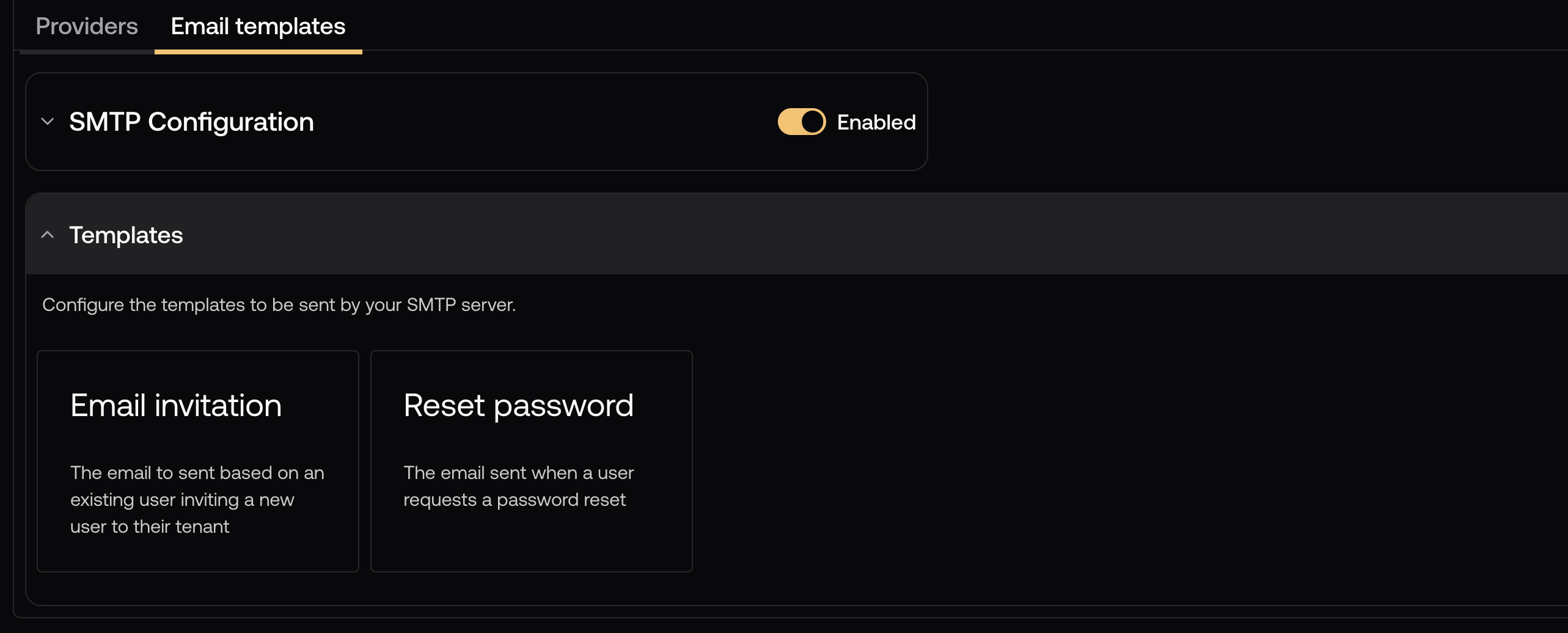 ## Email invitation
Sent when a user is invited to join a tenant, or uses their email address as the sign in provider.
## Email invitation
Sent when a user is invited to join a tenant, or uses their email address as the sign in provider.
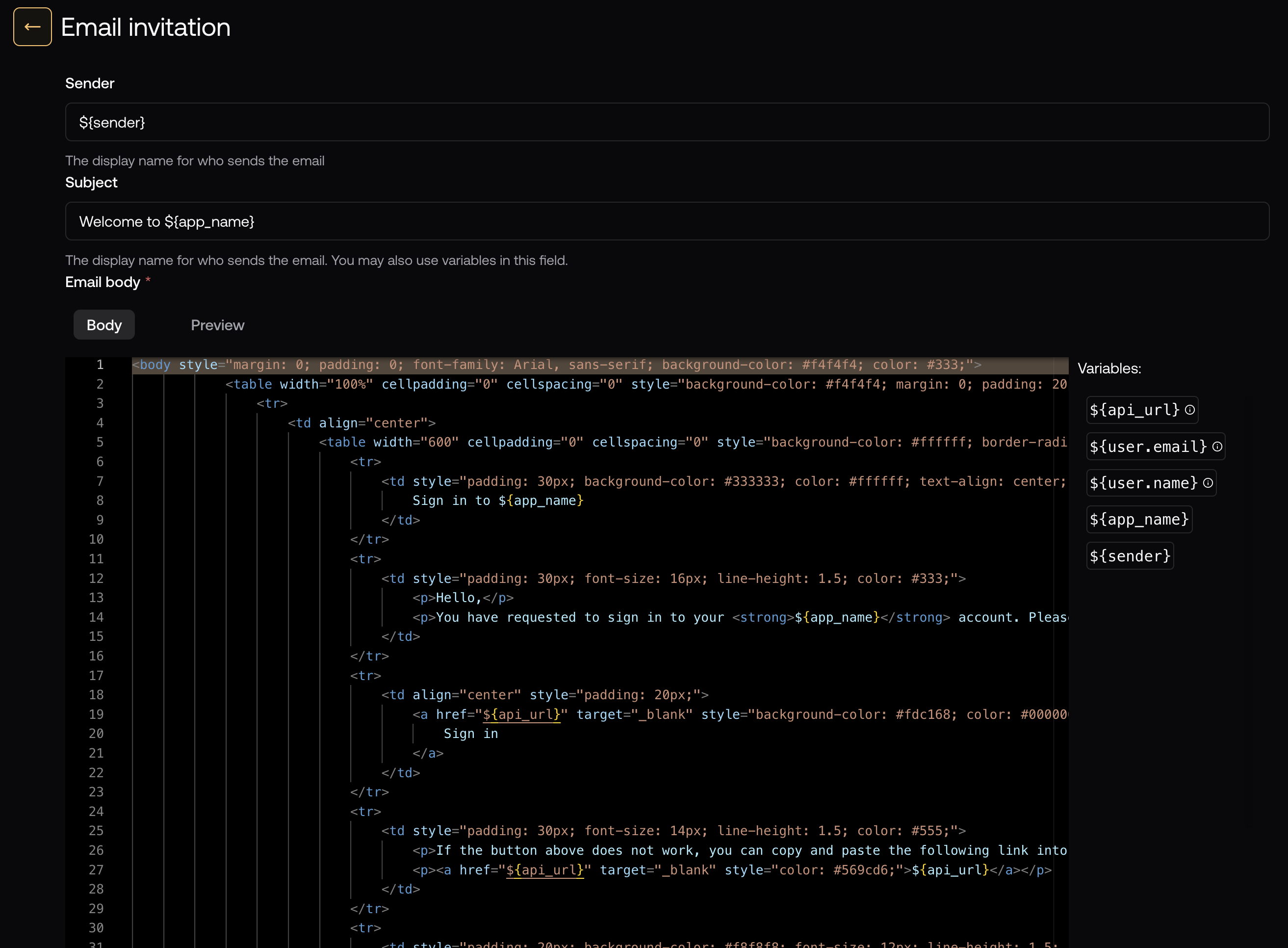 ## Reset password
Sent when a user requests a password reset. This is automatically triggered with a `POST` request to `/api/auth/reset-password`
The `callbackURL` sent to the endpoint will be modified with the token in the **api\_url** variable, or it will fall back to the `niledb-origin` header, which is automatically set via the JS SDK
## Reset password
Sent when a user requests a password reset. This is automatically triggered with a `POST` request to `/api/auth/reset-password`
The `callbackURL` sent to the endpoint will be modified with the token in the **api\_url** variable, or it will fall back to the `niledb-origin` header, which is automatically set via the JS SDK
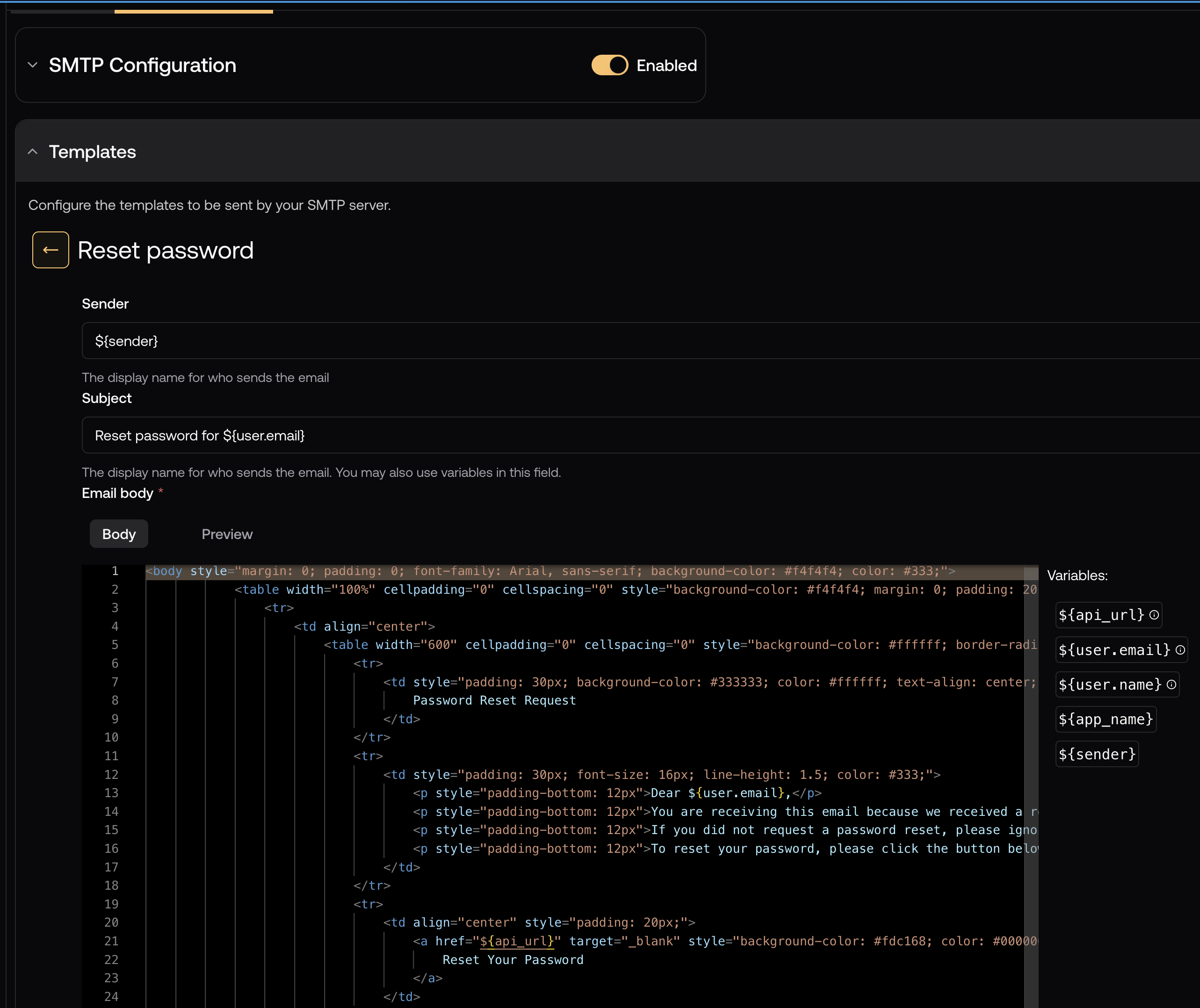 ## Customizing the templates
The templates are fully customizable with HTML and CSS. You can use the available variables
(shown on the right side of the template editor) to customize the email content, and you can also add variables of your own.
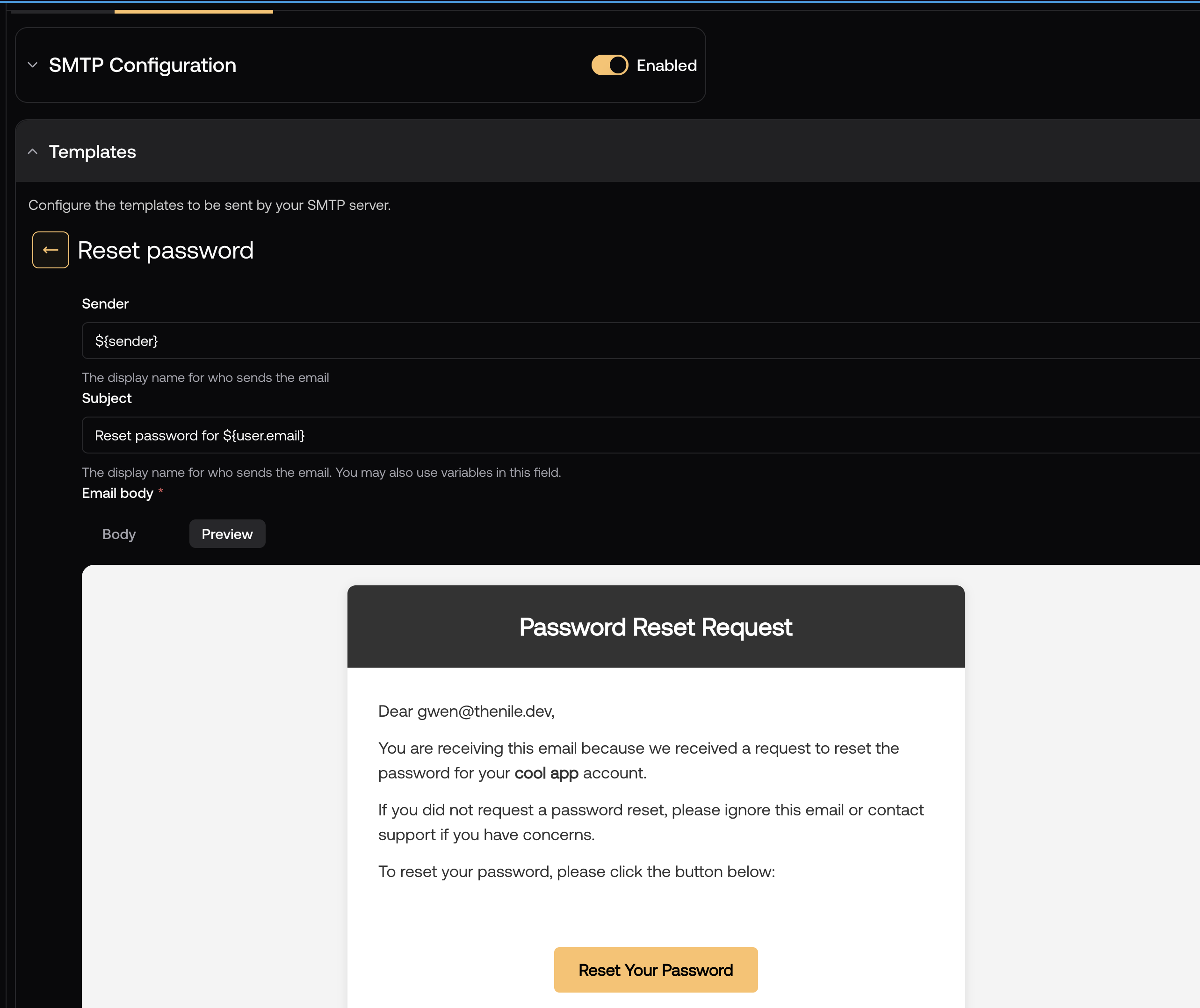
For your convenience, you can preview the email that the template will generate:
## Customizing the templates
The templates are fully customizable with HTML and CSS. You can use the available variables
(shown on the right side of the template editor) to customize the email content, and you can also add variables of your own.
For your convenience, you can preview the email that the template will generate:
 ## Related Topics
* [Email Verification](/auth/email/verification)
* [Custom SMTP](/auth/email/customsmtp)
* [Per-tenant Overrides](/auth/concepts/per-tenantoverrides)
## Related Topics
* [Email Verification](/auth/email/verification)
* [Custom SMTP](/auth/email/customsmtp)
* [Per-tenant Overrides](/auth/concepts/per-tenantoverrides)